Are you struggling to stand out on LinkedIn? Feeling lost in a sea of text posts and AI-generated content? You’re not alone.
In 2025, LinkedIn has become more competitive than ever, and professionals are finding it increasingly difficult to cut through the noise.
But there’s one powerful tool that can help you rise above the rest: video content.
In a recent podcast episode, LinkedIn video expert Danny DelVecchio joined host Fran Callado to share game-changing insights on how to leverage video to build trust, authenticity, and stronger connections.
Danny’s strategies have helped him generate over $500,000 in revenue, grow his LinkedIn following to 22,000, and reach over 10 million people.
If you’re ready to transform your LinkedIn presence, this guide will show you how to use video to outshine your competition
LinkedIn Video HACKS: The Ultimate Guide to Outshining Your Competition in 2025
On your favorite podcasting platform!
Quotes from the Episode
Here are some standout quotes from Danny DelVecchio that highlight the power of LinkedIn video marketing:
“Video helps build trust and authenticity when AI-generated content is flooding the platform. People question if text posts are AI-generated, but video clearly shows the real person.”
“Start by recording 30-second videos daily for 30 days to build comfort. You don’t need to publish them initially.”
“Post a minimum of 2 videos per week to build familiarity. Focus on one main idea per video instead of cramming multiple concepts.”
“Always include captions—over 50% of viewers watch videos without sound.”
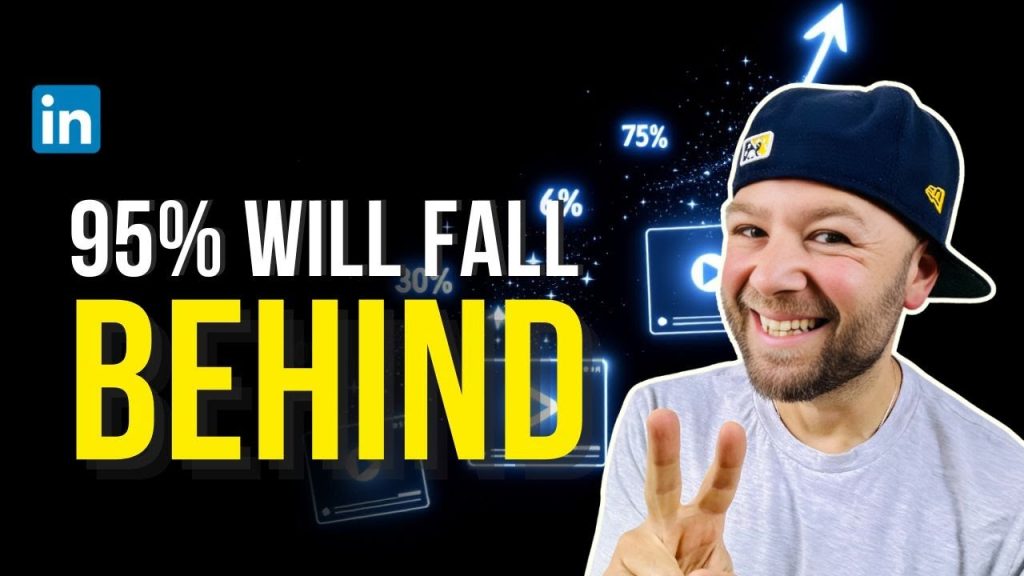
“LinkedIn is actively promoting video content. Those not incorporating video risk falling behind.”
Key Insights
1. Why Video is Essential on LinkedIn
In an era where AI-generated text content is everywhere, video stands out as a medium that builds trust and authenticity. Unlike text posts, which can feel impersonal, video allows your audience to see and hear the real you, creating stronger connections and making viewers feel like they know you before ever speaking with you.
2. Getting Started with Video
You don’t need expensive equipment to create high-quality videos. Modern smartphones are more than capable, and tools like CapCut(just $99/year) can enhance your audio and lighting automatically. Danny recommends starting small: record 30-second videos daily for 30 days to build confidence. Use bullet points instead of scripts to keep your delivery natural.
3. Content Strategy That Works
To succeed with LinkedIn video, consistency is key. Post at least two videos per week, and focus on one main idea per video. Use real-life experiences, such as sales calls or customer interactions, as inspiration for your content. Remember to grab attention in the first few seconds, but avoid clickbait—authenticity always wins.
4. Production Best Practices
Good lighting and clear audio are the only technical elements you need to prioritize. Always include captions, as over 50% of viewers watch videos without sound. For a natural delivery, speak as if you’re talking to a friend. You can also repurpose live sessions into shorter clips to maximize your content output.
5. The Future of LinkedIn Video
LinkedIn is actively promoting video content, and those who fail to adapt risk falling behind. While text posts won’t disappear, video is becoming the dominant format for engagement. LinkedIn is even testing new video feed implementations, signaling a strong focus on video for the platform’s future.
Actionable Takeaways
Here are five practical steps you can take to start leveraging LinkedIn video today:
-
Start Your 30-Day Video Challenge
-
Record a 30-second video every day for 30 days to build confidence. You don’t need to publish them—this is just for practice.
-
-
Invest in Basic Tools
-
Use your smartphone for recording and apps like CapCut to enhance audio and lighting. No need for expensive equipment.
-
-
Create a Content Calendar
-
Plan to post at least two videos per week. Focus on addressing your audience’s pain points and providing actionable solutions.
-
-
Always Include Captions
-
Over half of LinkedIn users watch videos without sound. Adding captions ensures your message reaches everyone.
-
-
Repurpose Your Content
-
Record live sessions or webinars and break them into shorter clips for easy, high-impact content.
-
Conclusion
The LinkedIn landscape is changing, and video is quickly becoming the most effective way to stand out, build trust, and connect with your audience.
As Danny DelVecchio’s success shows, you don’t need to be a professional videographer to make an impact—you just need to start.
By following the strategies outlined in this guide, you can transform your LinkedIn presence and outshine your competition.
Ready to take the leap into LinkedIn video marketing?
Start your 30-day video challenge today and see the difference it makes.
Remember, the best time to start was yesterday. The second-best time is now.
What’s your biggest challenge with LinkedIn video content?
Share your thoughts in the comments below!